
If you’re searching for a studio quality home recording setup, you don’t want vague gear lists or outdated advice—you want clear, practical guidance that helps you capture professional sound without wasting money. This article is built to do exactly that.
We break down what truly matters in a modern home recording environment: essential equipment, smart device integration, acoustic considerations, and the latest tech innovations that elevate sound quality. Instead of focusing on hype, we concentrate on proven concepts, real-world applications, and studio-grade solutions that work in bedrooms, offices, and dedicated creative spaces alike.
Our insights draw from hands-on testing of recording workflows, AI-enhanced audio tools, and emerging production technologies shaping today’s music and content creation landscape. By the end, you’ll understand how to design a setup that fits your goals, your space, and your budget—without sacrificing professional results.
The Foundation: Mastering Your Room’s Acoustics
Why Your Room Is the Most Important Instrument
A mic captures everything—including your room. In an untreated space, reverb (lingering reflections), flutter echo (rapid high-frequency bouncing between parallel walls), and standing waves (low-frequency buildups caused by room dimensions) distort recordings. Some argue high-end plugins can fix this. But software corrects symptoms, not physics (nice try, Neo). A bad room versus a treated one is like recording in a tiled bathroom vs a control room—same mic, wildly different results.
Step 1: Choosing the Right Space
Square rooms (A) amplify standing waves; rectangular rooms (B) distribute them more evenly. Solid walls outperform thin partitions for isolation. External noise? If traffic bleeds in, no compressor will save you. Room shape matters more than room size. Pro tip: avoid exact equal dimensions (e.g., 10x10x10).
Step 2: Taming Reflections
Absorption soaks up sound; diffusion scatters it. For a studio quality home recording setup, broadband panels at first reflection points (use the mirror trick) beat random foam placement. Foam (A) treats highs only; dense panels (B) control mids too.
Step 3: Controlling Low-End
Skip bass traps and your mixes get muddy. Install them in every corner—non-negotiable. Low frequencies don’t care about opinions; they obey physics (and physics always wins).
The Signal Chain: Core Hardware for Flawless Capture
The Audio Interface: Your Studio’s Central Nervous System
First and foremost, your audio interface is the hub that connects microphones and instruments to your computer. Think of it as mission control for your sound. High-quality preamps (short for preamplifiers) boost quiet mic signals without adding noise, while AD/DA converters (analog-to-digital and digital-to-analog) translate performances into pristine digital audio and back again. Many competitors stop at “get a good interface,” but overlook driver stability. Low-latency drivers reduce delay between performance and playback—critical when tracking vocals. Aim for at least two inputs to future-proof collaborations or stereo recording.
The Microphone: Choosing Your Primary Workhorse
Next, invest in a large-diaphragm condenser microphone. “Large-diaphragm” refers to the size of the capsule that captures sound waves, offering sensitivity and warmth ideal for vocals and acoustic instruments. The cardioid polar pattern—meaning it captures sound mainly from the front—minimizes room noise, making it perfect for a studio quality home recording setup. While some argue dynamic mics are more forgiving, condensers reveal nuance that elevates recordings from demo to release-ready (yes, even in a bedroom studio).
Studio Monitors vs. Hi-Fi Speakers: The Critical Difference
However, mixing on hi-fi speakers is like editing photos with a beauty filter on. Studio monitors deliver a flat-frequency response, meaning they don’t artificially boost bass or treble. Place them in an equilateral triangle with your listening position, and use isolation pads to reduce vibration transfer.
Essential Accessories
Finally, don’t overlook fundamentals: a pop filter to tame plosives, quality XLR cables for clean signal transfer, and a sturdy stand to prevent low-end rumble from desk vibrations.
The Digital Hub: Software and Computing Power
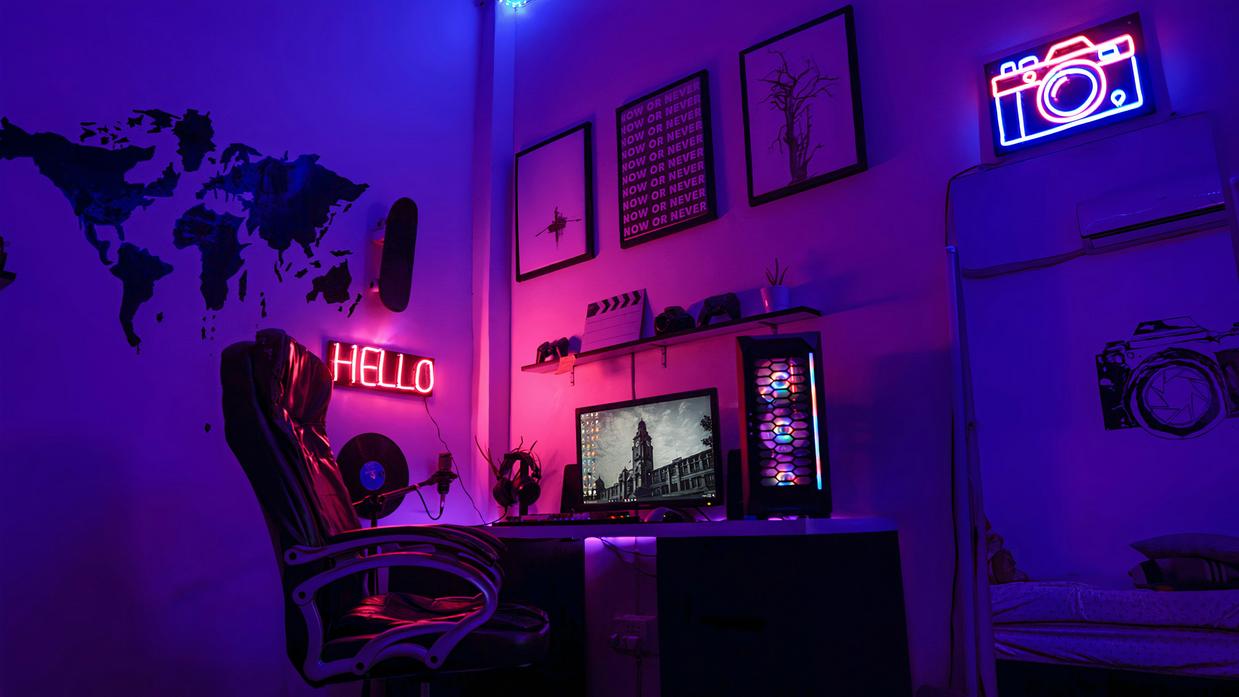
At the center of any studio quality home recording setup is the digital hub—your software and computer working together. First, let’s clarify the core tool: a Digital Audio Workstation (DAW). A DAW is the software where you record, edit, mix, and export music. Industry standards like Pro Tools, Logic Pro, and Ableton Live all accomplish this. However, the real difference is workflow—how the software “feels” when you create. Some argue features matter most. Yet in practice, speed and intuition often beat long feature lists (think iPhone vs. Android debates). Choose what keeps you inspired.
Next comes the “studio toolkit”: essential plugins. An EQ (equalizer) shapes tone by boosting or cutting frequencies—subtractive equalization simply means removing unwanted frequencies first. Compression controls dynamics, evening out loud and soft parts. Reverb creates space, simulating rooms or halls. Finally, a limiter on the master bus prevents distortion by capping peak levels. Together, these tools form your sonic foundation.
Finally, the power plant: your computer. For professional results, aim for 16GB+ RAM, a quad-core CPU or better, and SSD storage for faster load times. In fact, SSDs significantly outperform HDDs in data speed (PCMag). And remember, before upgrading plugins, focus on choosing the right audio interface for professional sound: https://ustudiobytes.com.co/choosing-the-right-audio-interface-for-professional-sound/.
Ergonomics and Integration: Building a Frictionless Workflow
A frictionless workflow starts with CLEAN signal flow. Connect mics to preamps, then interfaces, then DAW—no unnecessary hops. Proper cable management (separating power from audio lines) reduces electromagnetic interference and noise floor issues. Gain staging—the practice of setting optimal levels at every stage so signals are strong but never clipping—keeps audio pristine from preamp to DAW (think of it as volume discipline across the chain).
The Ergonomic Workspace
Long sessions demand posture discipline. Your chair should support lumbar alignment; monitors at ear level; keyboard, mouse, and interface within arm’s reach. Fatigue kills creativity (and backs).
| Element | Ideal Setup | Why It Matters |
|———-|————–|—————-|
| Monitors | Ear height | Accurate stereo image |
| Desk | 27–30″ high | Neutral wrist angle |
| Chair | Lumbar support | Reduced strain |
Device Integration Hacks
Control surfaces and MIDI controllers speed automation and mixing. Mobile DAW control apps let you adjust levels from the vocal booth—essential in a studio quality home recording setup.
Build Your Studio the Right Way
You started this guide because you wanted clarity on how to create a studio quality home recording setup without wasting time or money on the wrong gear. Now you know what matters — from smart device integration and AI-powered tools to practical acoustic tweaks that actually improve your sound.
The frustration isn’t a lack of options. It’s having too many — and not knowing which ones truly elevate your recordings versus which ones just drain your budget. A scattered setup leads to inconsistent sound, technical headaches, and stalled creative momentum.
The solution is simple: apply what you’ve learned. Choose equipment that works together. Leverage automation and intelligent tools. Optimize your recording environment step by step instead of guessing.
If you’re serious about producing cleaner audio, faster workflows, and professional-level results from home, now’s the time to act. Explore proven studio-grade tech solutions, apply smart integration hacks, and upgrade with confidence. Thousands of creators are already transforming their setups with practical, innovation-driven strategies — don’t get left behind.
Start refining your setup today and turn your space into the high-performance studio you’ve been aiming for.