
Ever recorded what felt like an awesome podcast only to cringe at how amateurish it sounds later? I’ve been there, and it’s frustrating. Good content deserves better, right? understanding what “high-quality” production really means comes in.
With years of diving into studio-grade tech, I’ve seen the difference between tools that promise the moon and those that genuinely raise your audio game.
You’re here for the real deal: no fluff, just a practical guide to podcasting software studio quality. It’s not about rattling off a list of names but helping you find the right tool to save you time and headaches. Trust me, your podcast deserves sound that matches your vision.
Let’s cut through the noise and get your audio where it should be.
What Does ‘High-Quality’ Mean for Podcast Software?
When I say “high-quality” podcast software, I’m not talking about fancy brand names. No, it’s about having specific features that make a real difference. to what really matters.
First up: Non-Destructive Editing. Imagine being able to edit your audio clips, add effects, and tweak things without permanently changing the original file. It’s like working with layers in Photoshop.
You can make all the changes you want, but the original remains untouched. This is key for anyone serious about podcasting.
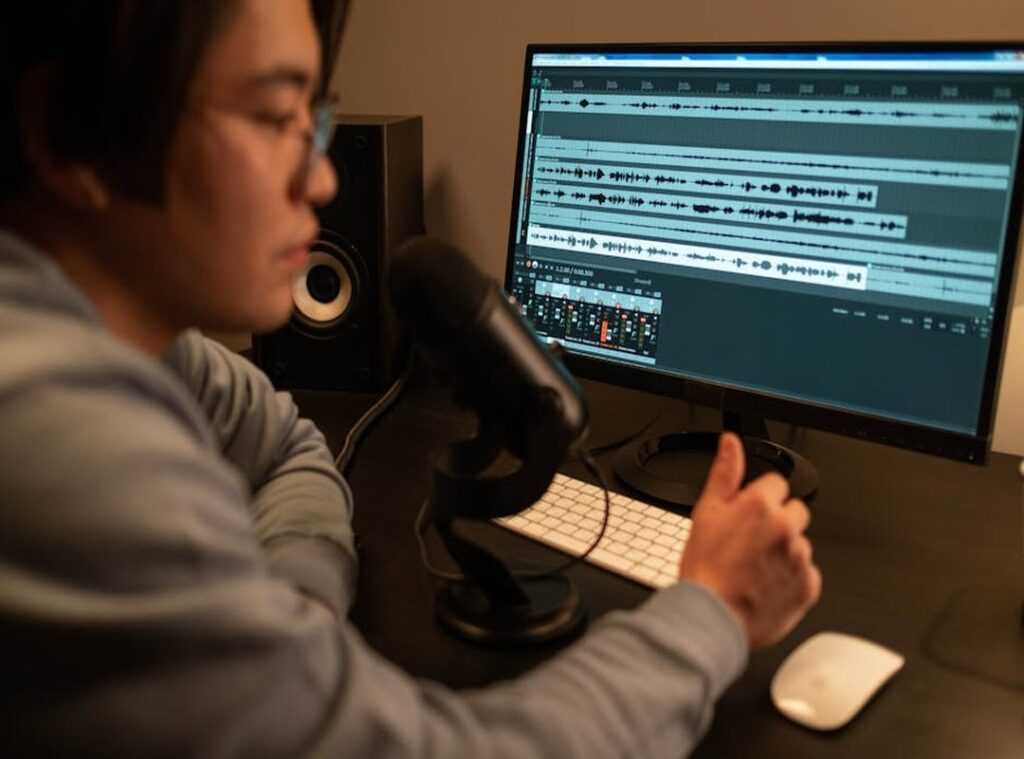
Then there’s multi-track capability. Recording each speaker and sound source on its own track? Non-negotiable.
Why? Because it lets you adjust volume, EQ, and effects individually. Ever tried mixing audio with everything on one track?
It’s a nightmare. For a professional mix, you need those separate tracks.
And let’s not forget about plugin support. VST/AU plugins are solid tools like noise reduction and advanced equalizers. They open up a world of possibilities for your sound.
Without them, getting that polished, broadcast-quality sound is tough.
Lastly, audio repair tools. These are your lifeline when things go wrong. Click removers, de-essers, spectral editors.
These tools can rescue audio that seems unusable. Trust me, they’ve saved me more times than I can count.
So, if you’re serious about building a professional home recording studio, don’t settle for less than top-notch podcasting software studio quality. Your sound deserves it.
The DAW Essentials: Crafting Your Audio Narrative
Choosing the right Digital Audio Workstation (DAW) for podcasting feels like picking your go-to coffee shop. It’s all about control and comfort. You want a setup that won’t crash mid-edit when you’ve finally nailed that perfect take.
First up: Adobe Audition. They call it the professional’s choice for a reason. It’s like that multi-tool you always wanted but never had.
With its solid, built-in suite of audio restoration tools. Think Adaptive Noise Reduction (it’s) perfect if you’re working with noisy recordings. Plus, it integrates smoothly with Adobe Creative Cloud, which is a big win if you’re juggling both audio and video.
Are you a podcaster who dabbles in video too? This one’s for you.
Then there’s Reaper. It doesn’t have the same brand cachet as Adobe Audition, but don’t let that fool you. It’s the budget-conscious power user’s dream.
This DAW is lightweight yet solid, and here’s the kicker: it’s endlessly customizable. I mean, seriously, you can tweak it to do just about anything (like) hiring a personal assistant who works for coffee and bagels. The low price and fair trial model are just icing on the cake.
And we can’t ignore Audacity. Everyone knows it’s free and good for starting out. But let’s get real for a second.
It’s got historical flaws: destructive editing and a not-so-intuitive interface. It’s like riding a bike with training wheels when you’re ready for a race. Eventually, you’ll want something that’ll give you studio quality for your podcasting software, and you’ll probably outgrow Audacity.
For anyone serious about quality recording, check out squadcast. This tool will make remote interviews feel like you’re in the same room. If you’re stepping up your podcasting game, it’s worth a look.
The Game-Changer: AI Production Platforms
Gone are the days of painstaking manual edits. AI-powered, all-in-one production platforms have completely reshaped how creators work. You’re probably asking, what’s the big deal? Well, if you’ve ever spent hours trying to edit a podcast or video, you’ll get it instantly.

to text-based editing with Descript. Imagine cutting and refining audio just like you would in a text document. This workflow is game-changing.
No more scrubbing endlessly through audio tracks. We’re talking about editing audio by simply changing words on a transcript. It speeds up your process without compromising studio quality.
Here’s where it gets even better: Descript’s AI features like “Studio Sound” can boost your audio to near-perfection. Need to eliminate those annoying “ums” and “uhs”? Descript does it automatically.
It’s like having a personal audio engineer.
Now, if you’ve ever hosted remote interviews, you know the pain of poor audio due to sketchy internet. High-fidelity remote recording platforms like Riverside.fm and Zencastr solve that problem. They record high-quality audio locally on each participant’s computer.
Then, they upload this pristine audio for smooth editing. No more glitchy, low-def audio ruining your project.
For anyone aiming for podcasting software studio quality, these platforms are indispensable. They’re changing the game by making high-quality production both accessible and fast.
And let’s talk acoustics. If you want to take your recordings to the next level, consider achieving perfect acoustics any room. It’s a must-read if you’re serious about elevating your sound.
So, are you ready to embrace this new wave? It’s time to toss out outdated methods and dive into the future of production. These tools aren’t just features; they’re a necessity.
Your audience (and your sanity) will thank you.
The Secret Sauce: Important Plugins and Utilities for a Pro
In the world of podcasting, the podcasting software studio quality is like having a base camp. But let me tell you, it’s not enough on its own. You need special tools to open up that polished finish.
to one: Advanced Noise Reduction. Built-in filters? They’ve got nothing on a dedicated plugin suite.
Consider iZotope RX Elements your “magic eraser.” This thing wipes out background hum and those annoying audio gremlins you never knew you had until they’re gone. Can you hear that? Exactly.
Now, onto Automatic Leveling & Loudness. If you’ve ever been jolted by sudden volume changes, you’re not alone (listeners) hate it. Bring in a tool like Auphonic.
It balances speaker levels and makes sure the final product meets industry loudness standards. It’s not just about sounding good; it’s about delivering a smooth experience.
Ever sat through a podcast where one speaker whispers and another shouts? It drives me nuts. These tools transform your recording into something you (not) just your audience.
Can enjoy.
No more volume rollercoasters. No more static that makes you want to throw your headphones across the room. Just clear, consistent audio.
Because who doesn’t want their podcast to sound like it was recorded in a million-dollar studio?
Nail Your Audio Workflow Today
Finding the right podcasting software studio quality isn’t about more choices. It’s about clarity. So, let’s cut to the chase.
Figure out what your podcast needs. Solo projects, interviews, or narratives? Match up those features we talked about.
Multi-track? Plugins? AI tools?
They’re all just tools for your style.
Before you go on a downloading spree, take five minutes. Map out your ideal recording and editing process. Then, use this guide to pick your tool.
Start crafting that studio-quality sound your content deserves. Ready to raise your podcast game? Dive in and transform your sound now.

 Thrysen Drevayne writes the kind of studio-grade tech solutions content that people actually send to each other. Not because it's flashy or controversial, but because it's the sort of thing where you read it and immediately think of three people who need to see it. Thrysen has a talent for identifying the questions that a lot of people have but haven't quite figured out how to articulate yet — and then answering them properly.
They covers a lot of ground: Studio-Grade Tech Solutions, Tech Concepts And Applications, Innovation Alerts, and plenty of adjacent territory that doesn't always get treated with the same seriousness. The consistency across all of it is a certain kind of respect for the reader. Thrysen doesn't assume people are stupid, and they doesn't assume they know everything either. They writes for someone who is genuinely trying to figure something out — because that's usually who's actually reading. That assumption shapes everything from how they structures an explanation to how much background they includes before getting to the point.
Beyond the practical stuff, there's something in Thrysen's writing that reflects a real investment in the subject — not performed enthusiasm, but the kind of sustained interest that produces insight over time. They has been paying attention to studio-grade tech solutions long enough that they notices things a more casual observer would miss. That depth shows up in the work in ways that are hard to fake.
Thrysen Drevayne writes the kind of studio-grade tech solutions content that people actually send to each other. Not because it's flashy or controversial, but because it's the sort of thing where you read it and immediately think of three people who need to see it. Thrysen has a talent for identifying the questions that a lot of people have but haven't quite figured out how to articulate yet — and then answering them properly.
They covers a lot of ground: Studio-Grade Tech Solutions, Tech Concepts And Applications, Innovation Alerts, and plenty of adjacent territory that doesn't always get treated with the same seriousness. The consistency across all of it is a certain kind of respect for the reader. Thrysen doesn't assume people are stupid, and they doesn't assume they know everything either. They writes for someone who is genuinely trying to figure something out — because that's usually who's actually reading. That assumption shapes everything from how they structures an explanation to how much background they includes before getting to the point.
Beyond the practical stuff, there's something in Thrysen's writing that reflects a real investment in the subject — not performed enthusiasm, but the kind of sustained interest that produces insight over time. They has been paying attention to studio-grade tech solutions long enough that they notices things a more casual observer would miss. That depth shows up in the work in ways that are hard to fake.