

Smart homes are no longer built around single devices—they’re powered by connected ecosystems. If you’re searching for the best automation hubs for smart homes, you’re likely trying to simplify control, improve compatibility, and future‑proof your setup. The challenge? Not all hubs integrate seamlessly, support the same protocols, or deliver the reliability your smart environment demands.
This article breaks down what truly matters when choosing an automation hub: device compatibility, AI-driven automation, cross-platform integration, scalability, and security. We analyze real-world performance, emerging tech standards, and practical implementation strategies so you can avoid costly missteps and fragmented systems.
Our insights are grounded in hands-on testing, deep analysis of smart device ecosystems, and continuous monitoring of innovation trends in AI and connected technologies. By the end, you’ll understand which features are essential, which are optional, and how to build a smarter, more responsive home environment with confidence.
What Is a Smart Home Hub (And Why You Need One)
A smart home hub—also called a controller—is the central device that acts as the “brain” of your home. Instead of juggling apps, the hub coordinates everything in one place.
Here’s the problem: smart devices speak wireless “languages” like Zigbee, Z-Wave, Wi-Fi, Thread, and Matter. Without translation, they can’t cooperate. A hub bridges that gap, letting them work together.
The real benefit? You move from smart gadgets to a automated system.
- One dashboard for control
- Cross-device automation
- Faster, reliable responses
For example, when your smart lock opens after 9 PM, the hub tells the hallway lights to turn on. That kind of automation is nearly impossible with separate apps.
Yes, some argue Wi-Fi devices alone are enough. But automation hubs for smart homes create stability, security, and routines—plus fewer headaches when troubleshooting common smart device connectivity issues.
Beyond Convenience: The Real Power of a Unified System
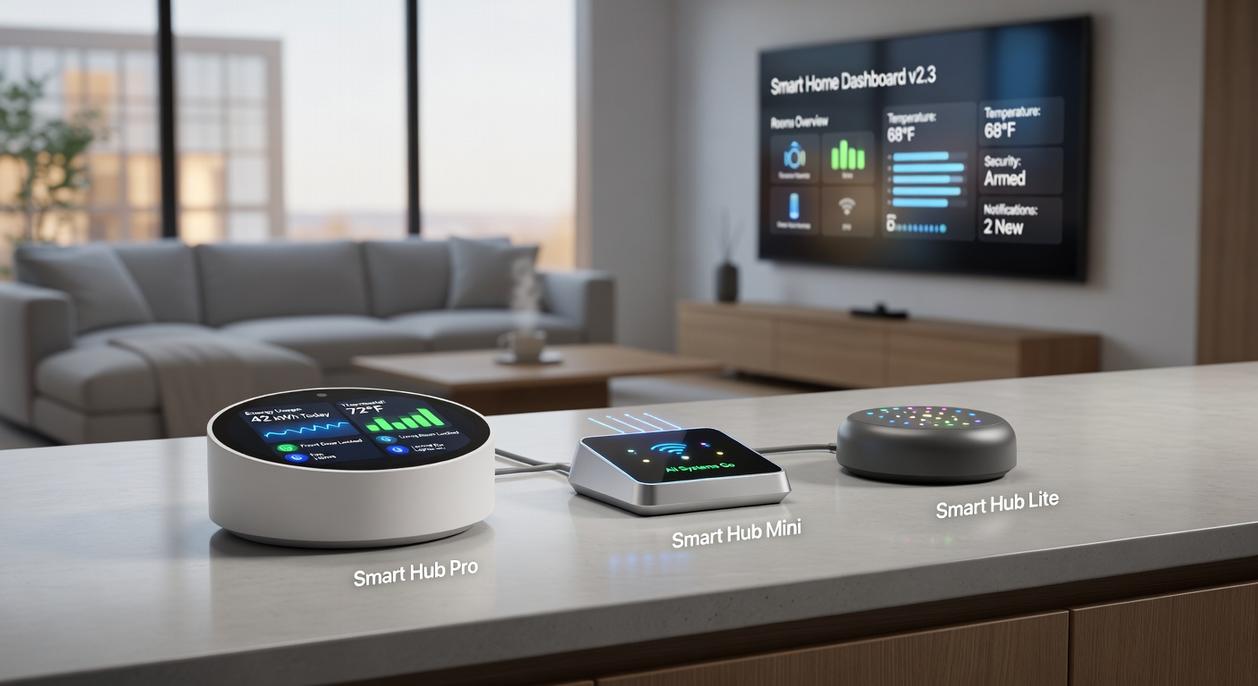
At first glance, a unified smart home system sounds like a luxury. After all, most devices come with their own apps. But here’s the catch: separate apps mean separate rules, delays, and weak points.
Start with enhanced automation. A “scene” (a preset command that triggers multiple actions at once) lets you tap one button for “Movie Night”: lights dim to 30%, blinds close, and the TV powers on. To set this up, first connect all devices to one hub, then group them by room, and finally create a trigger—manual, scheduled, or sensor-based. In practice, this saves minutes every day (and feels a little like living in a sci‑fi movie).
More importantly, many automation hubs for smart homes use local processing, meaning commands run inside your house—not in the cloud. As a result, lights turn on instantly, even if your internet drops. Critics argue cloud systems are “good enough.” However, when servers lag or go down (as seen in multiple major outages reported by Downdetector), local control wins.
Security also improves. Instead of juggling five logins, centralize alerts in one dashboard and enable two-factor authentication. Fewer accounts mean fewer breach opportunities.
Finally, future-proof your setup. Choose devices based on performance—not brand loyalty—by confirming your hub supports multiple protocols like Zigbee or Z-Wave. Pro tip: always check compatibility lists before buying.
Comparing the Command Centers: Hubs, Displays, and Remotes
Choosing the right smart home command center isn’t just about tech specs—it’s about what makes your life easier every single day.
Dedicated Hubs (e.g., Hubitat, Aeotec Smart Home Hub) deliver maximum compatibility and powerful automation engines. In other words, they’re the behind-the-scenes masterminds. Because they offer local control (meaning automations run on your network instead of the cloud), your lights can still trigger even if the internet drops. That’s peace of mind you’ll appreciate during outages. The trade-off? They’re often “headless,” requiring a separate app. Still, if you want reliability and deep automation logic—like “if motion is detected after sunset and the temperature is below 68°F, turn on lights and adjust the thermostat”—this is where automation hubs for smart homes truly shine. Pro tip: prioritize hubs that support Matter or Zigbee for broader device longevity.
Smart Displays & Speakers (e.g., Amazon Echo, Google Nest Hub), meanwhile, win on simplicity. You get voice control, visual feedback, and an intuitive interface. It’s like having a Star Trek-style control panel in your kitchen (minus the warp drive). While more cloud-reliant and less advanced in automation rules, they’re perfect for households that value convenience over complexity.
Advanced & DIY Platforms (e.g., Home Assistant, Homey Pro) unlock total customization and privacy. Yes, the learning curve is steeper—but the payoff is unparalleled control. If you enjoy tinkering, this is your playground.
Finally, Universal Smart Remotes (e.g., Sofabaton) excel in entertainment setups. Physical buttons mean tactile reliability—especially handy during movie night. However, they’re limited beyond AV control.
Ultimately, the benefit comes down to fit: choose the command center that matches your ambition, not just your gadgets.
Your Buying Checklist: Must-Have Features for 2024 and Beyond
Shopping for a smart home hub in 2024 can feel like decoding alphabet soup. Matter? Thread? Zigbee? Let’s simplify.
Protocol support is about the “languages” your devices speak. Matter is a new universal standard designed to let devices from different brands work together seamlessly (think of it as a tech-world translator). Thread is the low-power mesh network that helps those devices communicate reliably. While these are future-facing, legacy protocols like Zigbee and Z-Wave still power millions of devices. Ignoring them could mean replacing perfectly good gear.
Next, understand local vs. cloud processing. Local control means automations run inside your home, not on a distant server. That translates to:
- Faster response times
- Better privacy
- Fewer outages when Wi-Fi drops
Cloud control isn’t useless—it enables remote access—but relying on it alone can be risky (remember when servers go down at the worst time?).
Before buying automation hubs for smart homes, always check the compatibility list. Even “universal” hubs have limits.
Finally, evaluate the app. Is it intuitive for building multi-step automations, or overly simplified? A powerful hub with a clunky app is like a sports car stuck in traffic. Choose wisely.
Build Smarter Systems That Actually Work for You
You came here looking for clarity on how to simplify your tech, connect your devices, and turn scattered tools into one seamless ecosystem. Now you understand how automation hubs for smart homes eliminate compatibility issues, reduce manual control, and unlock real efficiency through AI-driven integration.
The frustration of disconnected devices, lagging apps, and complicated setups doesn’t have to be your normal. When your systems communicate through a centralized hub, automation stops feeling experimental and starts feeling effortless.
The next step is simple: choose a reliable automation platform that supports multi-device integration, real-time AI processing, and scalable smart controls. Start with a solution trusted by thousands of users for delivering studio-grade performance and proven reliability.
Stop juggling apps. Stop troubleshooting disconnected devices. Upgrade to a unified automation system today and experience the control, speed, and intelligence your setup has been missing.

 Thrysen Drevayne writes the kind of studio-grade tech solutions content that people actually send to each other. Not because it's flashy or controversial, but because it's the sort of thing where you read it and immediately think of three people who need to see it. Thrysen has a talent for identifying the questions that a lot of people have but haven't quite figured out how to articulate yet — and then answering them properly.
They covers a lot of ground: Studio-Grade Tech Solutions, Tech Concepts And Applications, Innovation Alerts, and plenty of adjacent territory that doesn't always get treated with the same seriousness. The consistency across all of it is a certain kind of respect for the reader. Thrysen doesn't assume people are stupid, and they doesn't assume they know everything either. They writes for someone who is genuinely trying to figure something out — because that's usually who's actually reading. That assumption shapes everything from how they structures an explanation to how much background they includes before getting to the point.
Beyond the practical stuff, there's something in Thrysen's writing that reflects a real investment in the subject — not performed enthusiasm, but the kind of sustained interest that produces insight over time. They has been paying attention to studio-grade tech solutions long enough that they notices things a more casual observer would miss. That depth shows up in the work in ways that are hard to fake.
Thrysen Drevayne writes the kind of studio-grade tech solutions content that people actually send to each other. Not because it's flashy or controversial, but because it's the sort of thing where you read it and immediately think of three people who need to see it. Thrysen has a talent for identifying the questions that a lot of people have but haven't quite figured out how to articulate yet — and then answering them properly.
They covers a lot of ground: Studio-Grade Tech Solutions, Tech Concepts And Applications, Innovation Alerts, and plenty of adjacent territory that doesn't always get treated with the same seriousness. The consistency across all of it is a certain kind of respect for the reader. Thrysen doesn't assume people are stupid, and they doesn't assume they know everything either. They writes for someone who is genuinely trying to figure something out — because that's usually who's actually reading. That assumption shapes everything from how they structures an explanation to how much background they includes before getting to the point.
Beyond the practical stuff, there's something in Thrysen's writing that reflects a real investment in the subject — not performed enthusiasm, but the kind of sustained interest that produces insight over time. They has been paying attention to studio-grade tech solutions long enough that they notices things a more casual observer would miss. That depth shows up in the work in ways that are hard to fake.